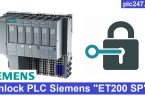

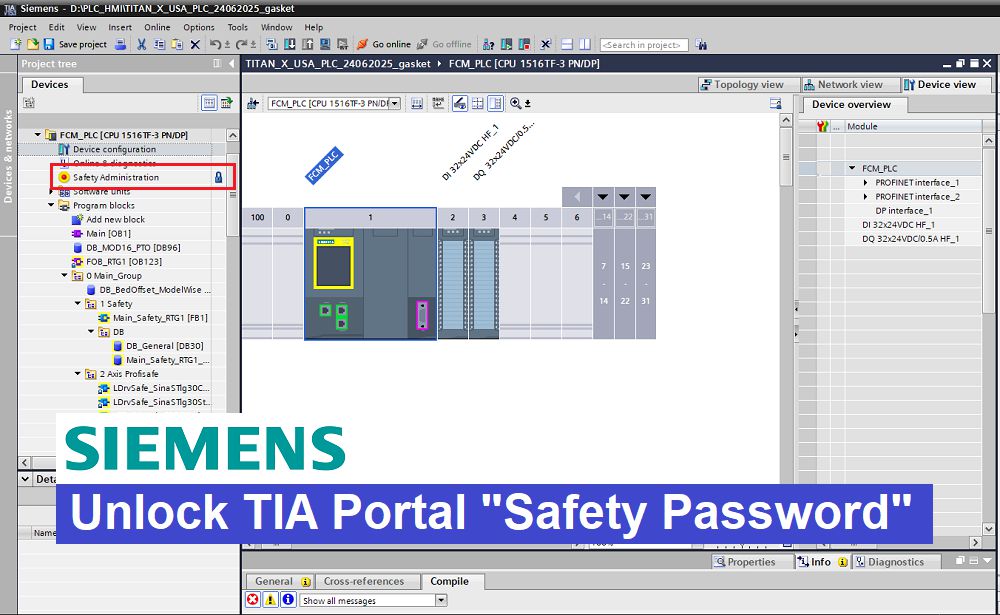
Hello friends! PLC Siemens S7-300, S7-400, S7-1200, S7-1500, ET200 is a PLC originating from Germany and uses “TIA Portal” software for programming. For some reason, PLC Siemens sometimes has the Safety Administration locked… and we need to work on it as program debugging or modification or improvement.
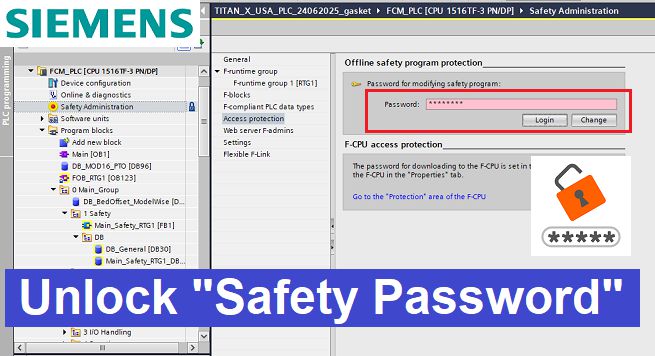
Safety Administration is a dedicated security feature in TIA Portal designed specifically to protect the Safety Program (F-Program). It prevents unauthorized users from modifying, compiling, or downloading safety-related programs, ensuring the integrity and reliability of machine safety systems.
Video Read Password TIA-Portal “Safety Administration” Protection
======
Main Features
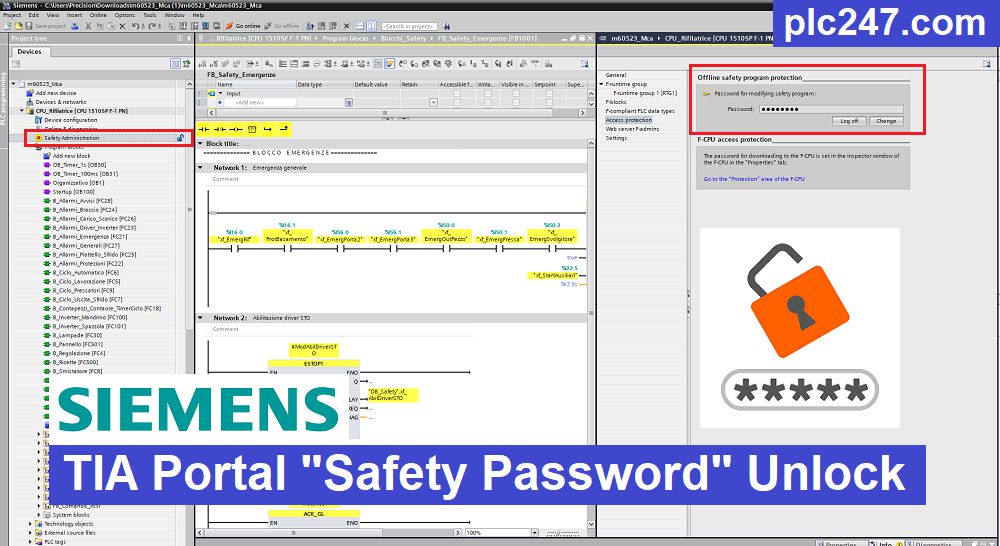
Password Protection for the Safety Program
- Allows users to create a password to protect the entire Safety Program (F-Blocks).
- Supports passwords up to 30 characters.
- Only users who know the password are allowed to modify the Safety Program.
Login
Users must enter the correct password to gain editing privileges for the Safety Program.
After a successful login, authorized users can:
- Edit F-Blocks
- Compile the Safety Program
- Download the Safety Program to the PLC
Log Off
- Users can log off at any time to remove editing privileges.
- Access rights are automatically revoked when TIA Portal is closed.
Change or Remove the Password
- The current password must be entered before it can be changed or removed.
- Only authorized users can modify or disable password protection.
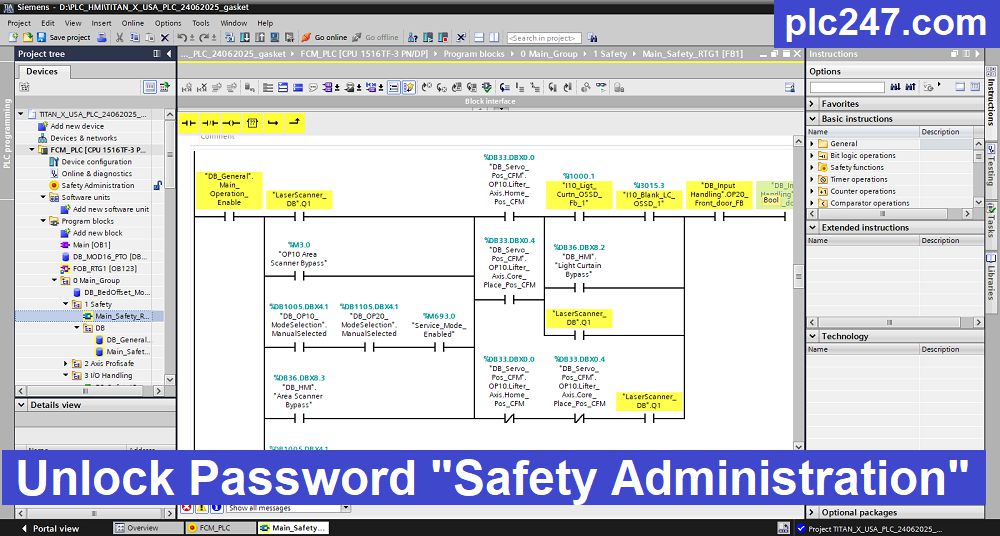
In some cases, the software is locked with the Project password, that’s why I would like to introduce to you the service of unlocking the Safety Administration or Project Password for Siemens “TIA Portal” software quickly.
Detailed Information
+ Ready to unlock 24/7, password will be available immediately after you submit the program
+ Read password “Function Block” in all modes of all TIA Portal Software
+ I will open the program and send you the images, then you will pay and receive the Project.
+ Supports the following versions: Tia Portal V21, Tia Portal V20, Tia Portal V19, Tia Portal V18, Tia Portal V17, Tia Portal V16, Tia Portal V15.1, Tia Portal V15, Tia Portal V14, Tia Portal V13, Tia Portal V12, Tia Portal V11, Tia Portal V10.
Payment methods
Email Contact: plc247.com@gmail.com
>>> Bank Transfer (Wise, Swift, Visa)
>>> Crypto Method
- USDT Wallet (Binance Smart Chain – BEP20): 0x07b8b90009c1939a795539eb490ae5128191395f

- Binance ID: 35621845

======
You will receive the software via Email or any other method you want!
Please contact: plc247.com@gmail.com for more details and software purchase.
Thanks and Best Regards!