
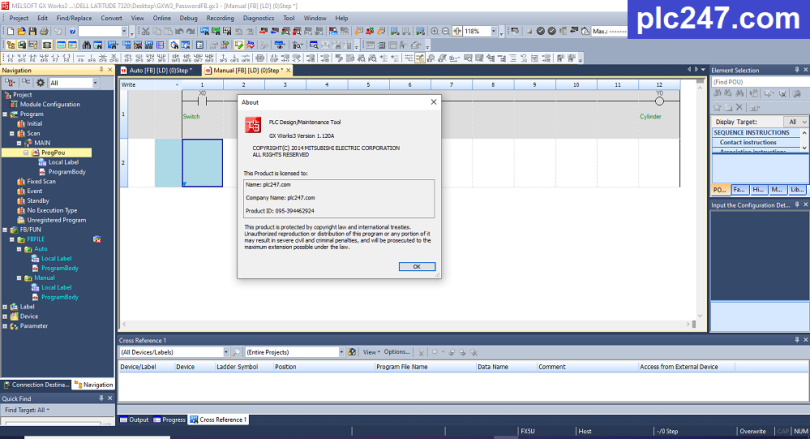

GX Works 3 is the famous PLC programming software upgraded from GX Works 2. The software not only allows you to download, but also supports comparing and verifying programs. At the same time help users know the difference in graphics. GX Works 3 is the latest generation of programming software provided by Mitsubishi Electric.
GX-Works3 software is programmable software for Mitsubishi series R CPUs, FX5 CPUs, Q CPUs, L CPUs, FX CPUs, NC CPUs.
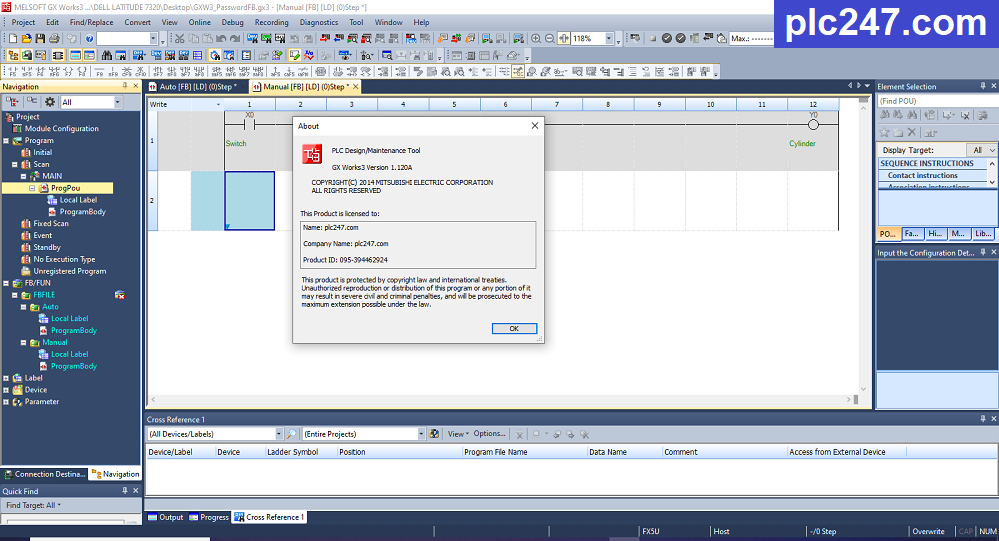
GX-Works3 V1.120A This is the latest version to date, supporting all Mitsubishi PLCs with full functionality.

GX-Works3 is upgraded from GX-Works2 and is used to program some of Mitsubishi’s new PLC series such as FX5U, it has a Debug error checking tool, high security, supports communication configuration and control. control pulse generator quickly.
Instructions for installing GX-Works3 software with images
+ Step 1: Download the software and extract it with the password plc247.com

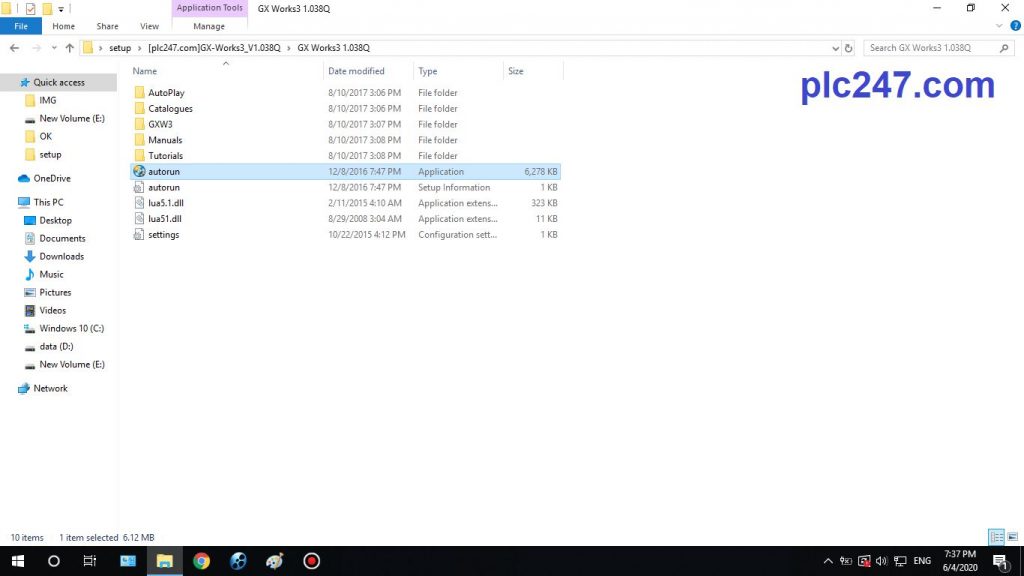
+ Step 2: Proceed to run the autorun file
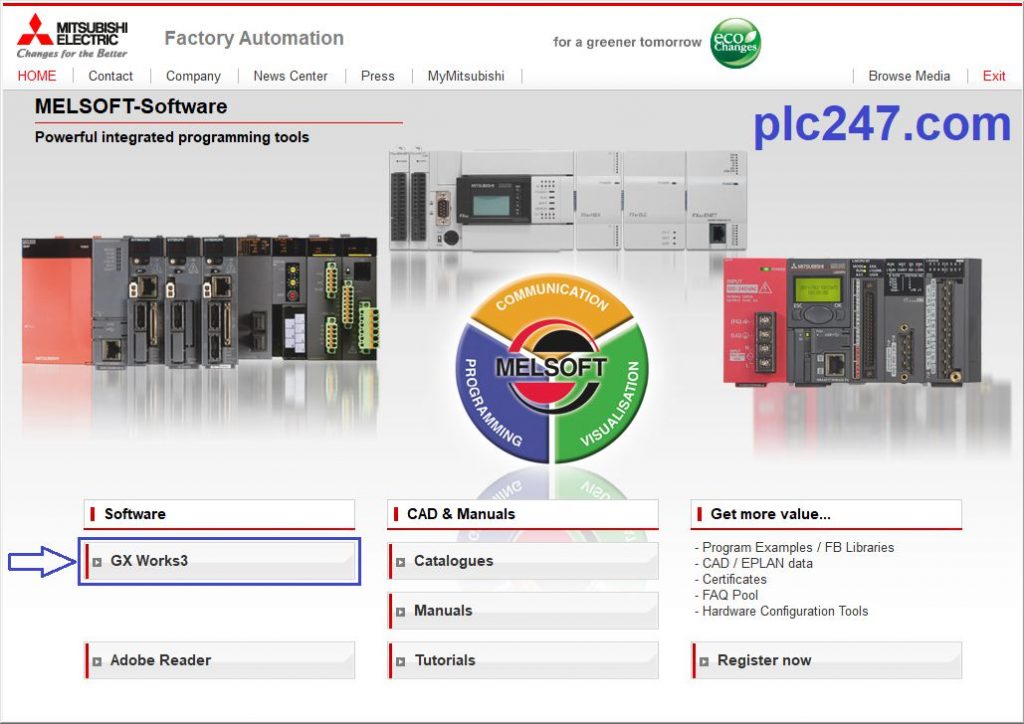
+ Step 3: Select GX-Works3
+ Step 4: Click Next to continue the installation process

+ Step 5: Open the Key_Install file and proceed to enter the Key according to the image below

+ Step 6: Select the software you want to install. In addition to GX-Works3, this software disc includes other software such as:
GX Work 2 Version 1.560J
GX Developer V8.91
PX Developer
CPU Module Logging Configuration Tool
GX Logviewer

+ Step 7: Select Destination Location

+ Step 8: Click Next to begin the software installation process

+ Step 9: Because the software is quite heavy, you should wait for a few dozen minutes

+ Step 10: The installer will ask us to install Drivers for your USB Cable, choose Install

+ Step 11: Choose to create a shortcut for GX-Works3

+ Step 12: We have successfully installed GX-Works3 software


Software Download
1. Download via GoogleDrive 
>>> Download Mitsubishi GX Works3 V1.120A Software
Password Extract: plc247.com
Please comment and share this article if you find it helpful, and subscribe to our YouTube channel and website to read new articles from plc247.com
Thank and Best Regards!





I can’t download the file.
what happen for you