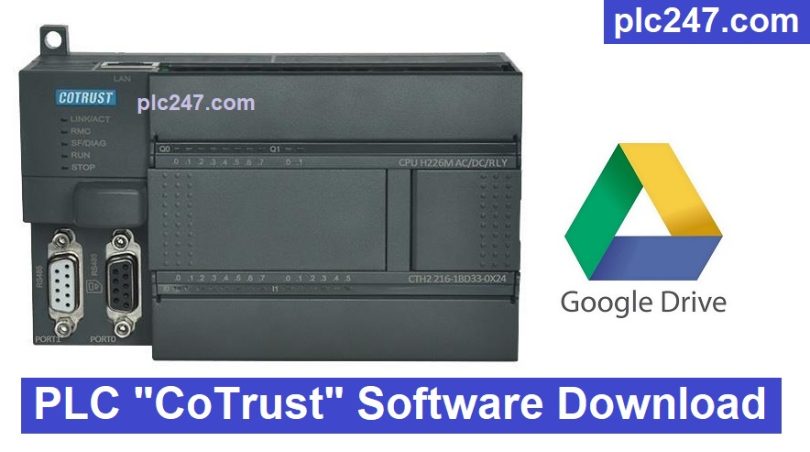

CoTrust (COTRUST Technologies) is a Chinese automation company founded in 2003, specializing in PLCs, HMIs, servos, variable frequency drives (VFDs), motion controls, and remote I/O. The company focuses on industrial machine control solutions at a more competitive cost than brands like Siemens, Mitsubishi, or Omron.
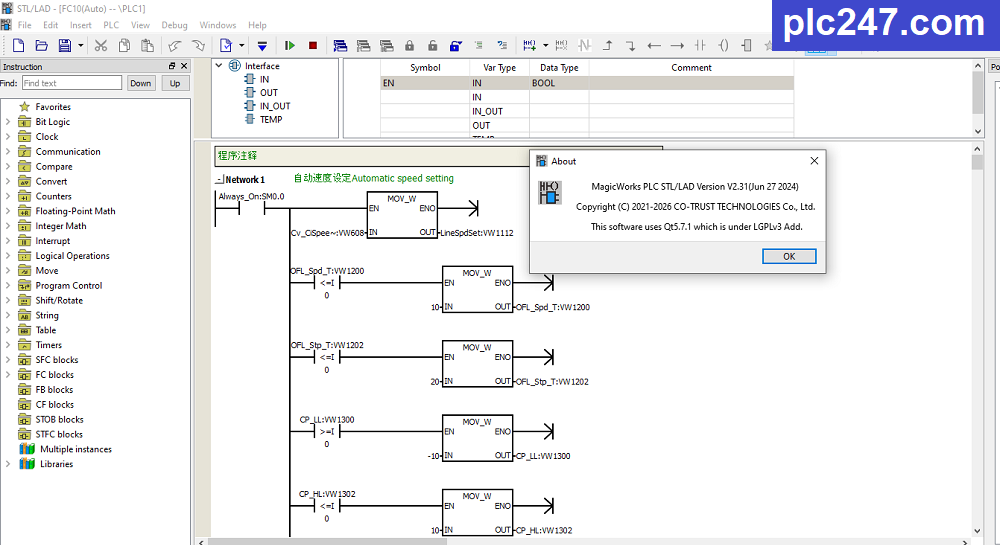
Today, plc247.com will share with you the latest PLC programming software from the manufacturer, MagicWorks Version 2.31. This is the latest version at the time of writing this article.
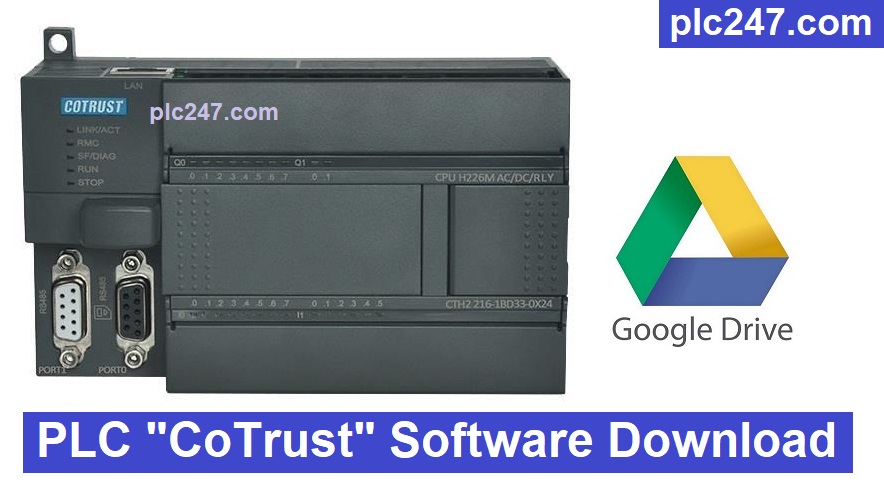
CoTrust has its own programming software, supporting:
+ Ladder Diagram (LAD)
+ Function Block (FBD)
+ Structured Text (ST) on some newer models
+ Simulation and programming via Ethernet or USB
Installation Instructions
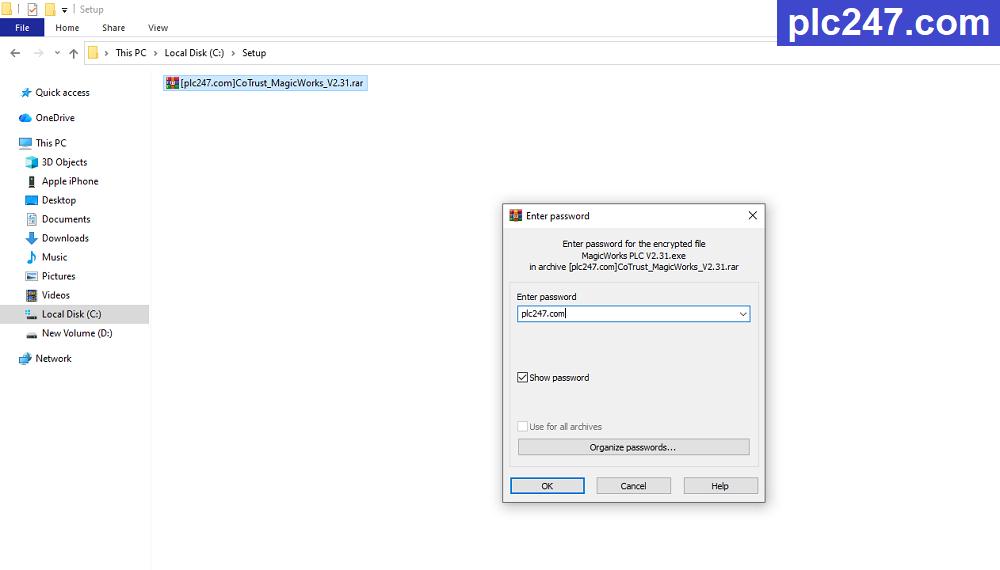
+ Step.1: Download MagicWorks V2.31 software (download link at the bottom of the article) and extract it using the password “plc247.com”
+ Step.2: Run file “Magic Works V2.31.exe” to begin installation
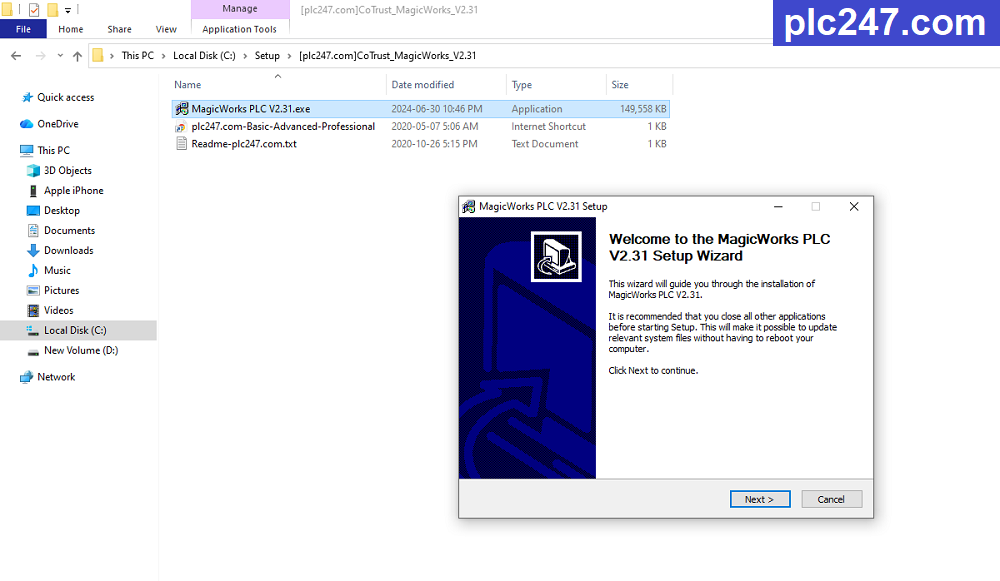
+ Step.3: Select the installation folder and then click Install.
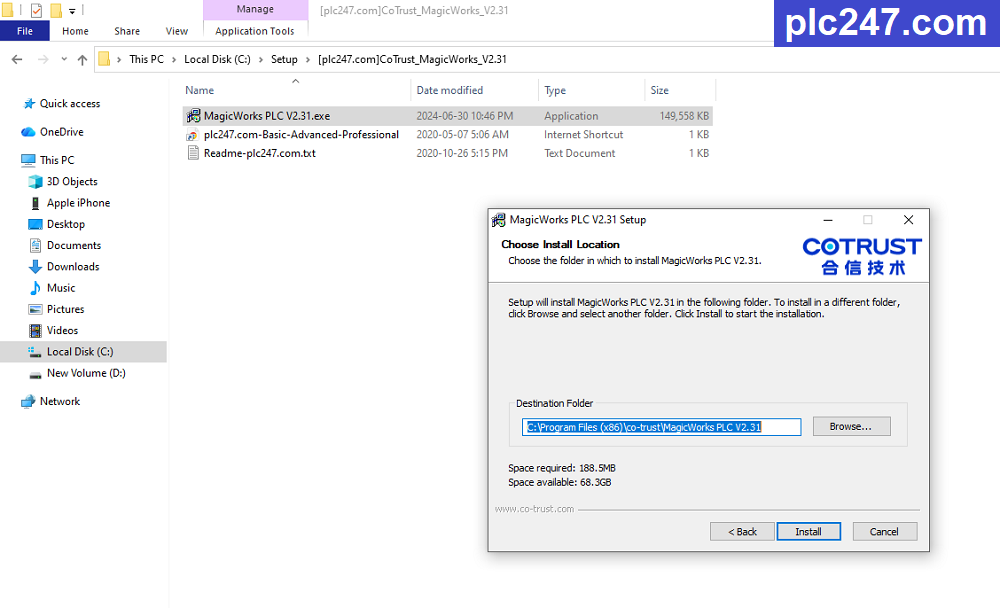
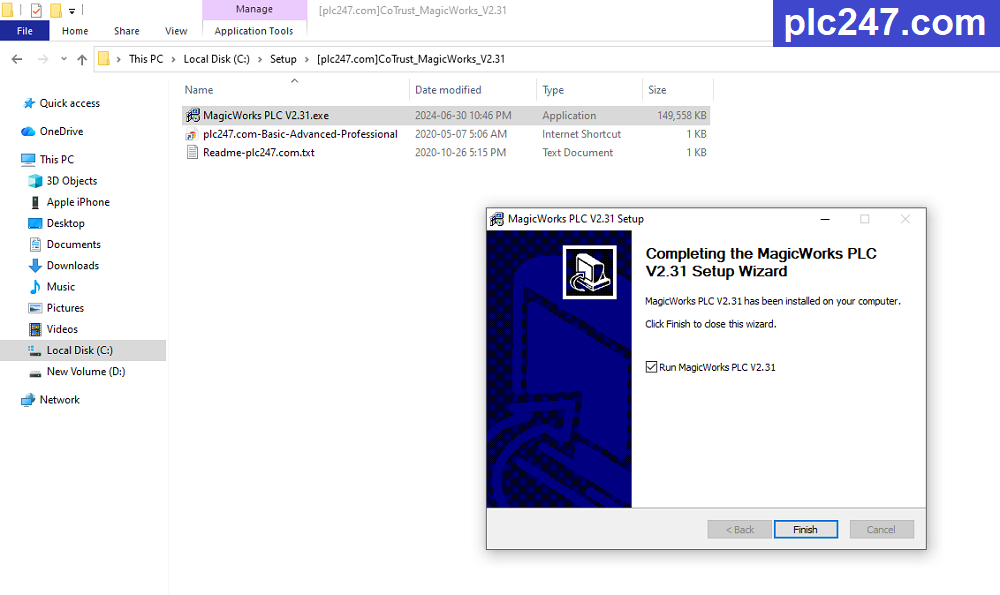
+ Step.4: Wait for the installation process to complete, then click Finish.
Enjoy
Software Download Link
1. Download via GoogleDrive 
>>> Download MagicWorks V2.31 CoTrust PLC Programming Software
Password Extract: plc247.com
If you have any questions during the process of downloading and installing the software, please comment below the article, plc247.com will answer you as soon as I read the comment.
Best Regards!